
Use AI to Prepare a Scope Change Review
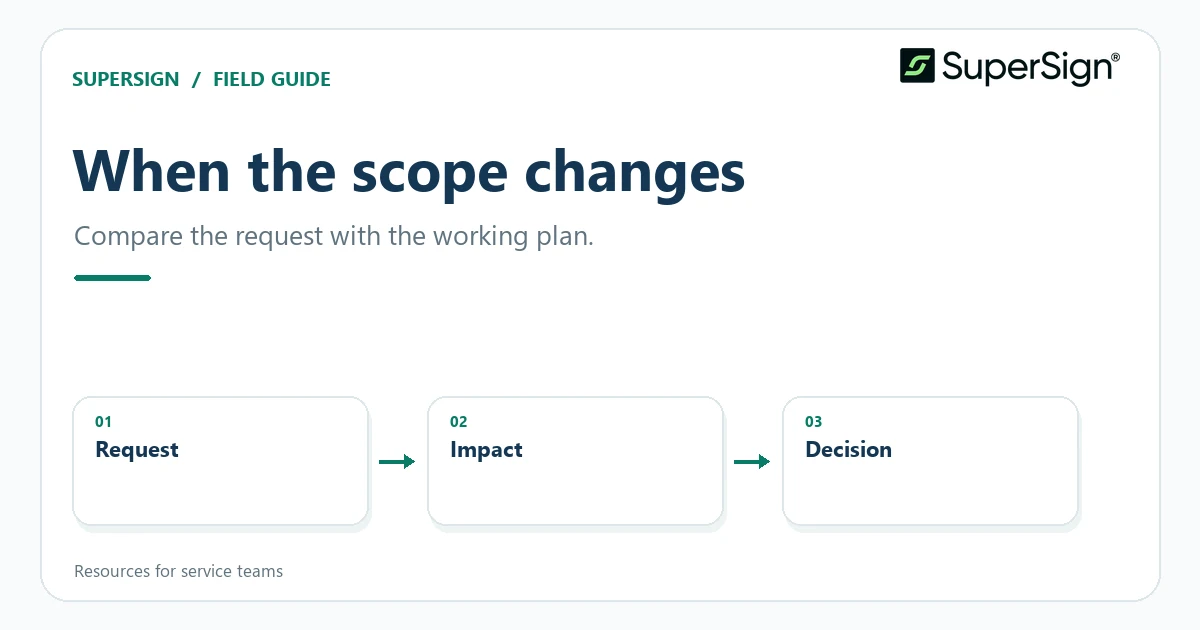
Compare a new request with the agreed working scope, document the gap, and let people decide how the project should change.
Describe the request before judging it
A client’s “small addition” might be a new deliverable, a different acceptance standard, or merely clarification of existing work. Start with the client’s actual request and the current scope document. Ask AI to extract the requested change, the relevant baseline passages, and any dates or dependencies mentioned in both. Require quotations or section references so the team can inspect the comparison.
Do not ask the tool to declare automatically whether the request is “in scope.” That conclusion may depend on context outside the text, including earlier decisions or practical delivery constraints. Instead, ask it to identify the interpretations a human should test. NIST’s generative AI guidance notes the possibility of confident but incorrect output; the comparison should remain a set of reviewable observations.
Map the downstream effects
Prepare a change-impact worksheet with fields for deliverables, client inputs, sequence, review cycles, and open decisions. An extra report may require new data; a new audience may require a different review step. The AI draft can suggest dependencies, but label those suggestions separately from documented facts. Ask the delivery owner which effects are real and which are merely possible.
Pay attention to language that sounds minor but alters a boundary: “include training” when the baseline promises a handoff guide, or “all departments” when the proposal names one team. Quote both versions side by side. If the initial scope is ambiguous, say so rather than retroactively giving it a convenient meaning. The purpose of the worksheet is to make the conversation specific, not adversarial.
Record the human decision
The people responsible for the project can decide to absorb the request, trade one item for another, defer it, or document a revised scope. Capture the option chosen, who agreed, and which working document it affects. An AI tool may draft a neutral explanation of the alternatives, but it should not send one or commit the team to a new timeline on its own.
If an agent can access project files and communication tools, make this boundary explicit. OWASP’s guidance on excessive agency recommends limiting permissions and requiring human approval for high-impact actions. Preparing a change summary and communicating an approved decision are different tasks; granting the former should not silently authorize the latter.
Update the right version
Once the decision is settled, revise the relevant scope or change record and compare it with the previous version. A named version or clearly labeled checkpoint makes the sequence easier to follow; Google Docs, for example, documents named versions and change history. Keep the original request and decision record linked internally so a future reviewer can see why the text changed.
Run a final consistency pass across the revised deliverables, responsibilities, dates, and assumptions. Ask AI to flag mismatches with passage references, then have the project owner resolve them. A good change process does not require every request to become a formal amendment; it requires the team to know what was requested, what it decided, and which document now describes the work.
Sources and further reading
Related resource: Proposal acceptance and a signed SOW: a practical handoff checklist
Project-document workflow guidance only. It does not determine contractual obligations, amendment requirements, or the legal status of any document.