
A Version-Control Habit for Documents Edited With AI
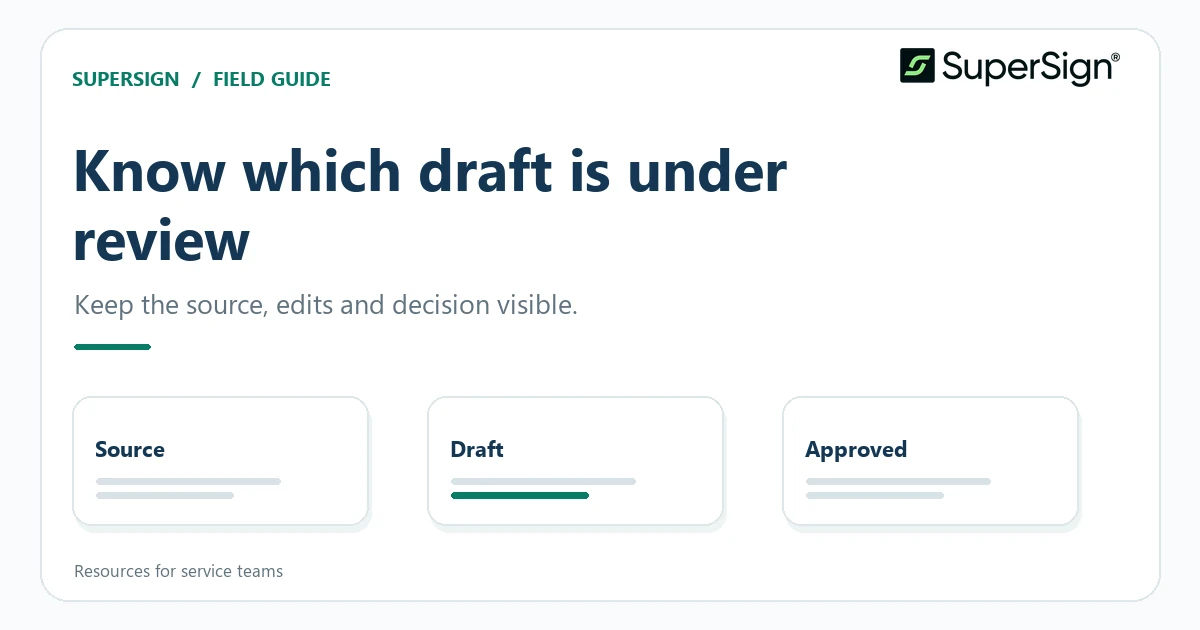
A simple approach to naming, comparing, and freezing working drafts when both people and AI tools contribute edits.
Give each draft a job
A folder full of “final,” “final revised,” and “final really final” files is difficult to review even without AI. Generated rewrites make the problem worse because a large block of text can change at once. Define a small set of states instead: source, working draft, review copy, and approved copy. Put the owner and date in your internal record, and reserve “approved” for a human decision.
When prompting an AI tool, specify the draft state it may work on and the permitted type of change. “Improve readability in the background section; do not alter deliverables or dates” is easier to audit than “make this better.” Save the output as a candidate, not an overwrite. If the response includes explanations, keep them alongside the candidate so the reviewer can inspect the reasoning without treating it as proof.
Use version history for orientation, not approval
Shared editors can make earlier drafts easier to find. Google Docs documents how to view changes and create named versions; it also notes that browsing earlier versions requires edit permission. A named checkpoint such as “Client comments received” tells collaborators why a state matters. The label is a navigation aid, however, not evidence that every sentence was checked.
Keep a short decision log outside the prose or in a clearly marked review area: date, reviewer, issue, resolution, and the version affected. When AI restructures a document, ordinary line-by-line history can be hard to interpret. The log records why the team moved a section or replaced a definition. It is particularly useful when someone returns to a proposal after another project has intervened.
Compare before you promote a candidate
Before moving an AI-edited draft into review, compare it with its parent version. Microsoft’s document comparison tools can display differences in a separate document, while its combine workflow is designed for revisions returned by multiple reviewers. Choose the workflow that matches the situation. A generated rewrite is not a reviewer’s tracked change merely because both contain altered text.
Read the differences in a fixed order: numbers and dates, deliverables, responsibilities, exclusions, then tone and formatting. This ordering helps prevent a pleasant stylistic change from distracting you from a changed commitment. Inspect tables and attachments independently. If the comparison is so broad that it cannot be reviewed reliably, ask for smaller edits against the original rather than accepting a wholesale rewrite.
Freeze the exact copy for the next step
Once reviewers resolve comments, name or export a copy that will not receive casual edits. Record its file identifier or location in the project checklist and note any companion materials that belong with it. Ask a second person, where appropriate, to check that this is the copy containing the approved scope and not an earlier preview. The handoff should identify the document, not merely say “use the latest one.”
If a late correction is necessary, reopen the review state and make a new candidate. Do not quietly alter the frozen copy while others act on it. This habit costs a few minutes but gives every participant a common reference point. AI can help describe differences between states; it should not decide which state represents the team’s final decision.
Sources and further reading
Related resource: Service Agreements and SOWs: A Document Checklist for Service Firms
Examples refer to document-editor workflows, not to features of SuperSign. File controls and permissions should follow the organization’s own practices.